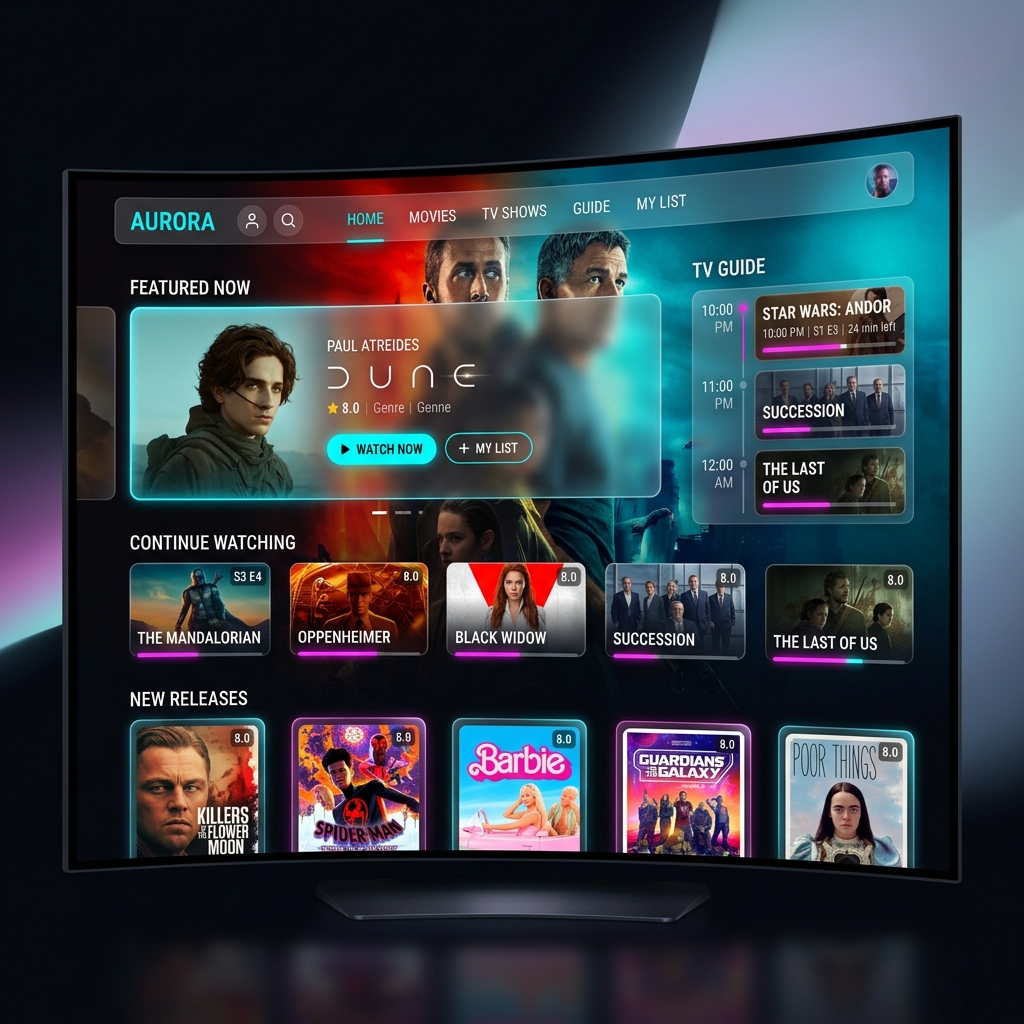
When exploring the vast ecosystem of digital streaming, you will inevitably encounter one specific piece of software more than any other. It has become the de facto standard for millions of cord-cutters globally. Understanding how to properly utilize this application is the difference between a frustrating, clunky experience and a seamless, premium entertainment hub. This comprehensive iptv smarters guide is designed to elevate you from a novice user to an expert, ensuring you extract every ounce of value from your IPTV subscription.
It is crucial to emphasize right from the start of this iptv smarters guide: the application itself does not provide any media. It is an empty vessel—a highly sophisticated media player that requires a playlist from a premium provider to function. Whether you have installed it on an Android smartphone, an Apple TV, or sideloaded it using our Firestick tutorial, the core functionality remains identical. This guide will focus on the initial login phase, optimizing the internal video player, mastering the Electronic Programme Guide (EPG), and utilizing the powerful Catch-up feature.
The Superior Login Method: Xtream Codes API
When you open the app for the first time, you are presented with several login options. Many outdated tutorials suggest using the ‘Load your Playlist or File/URL’ option, which requires typing out a massive, convoluted M3U link containing hundreds of characters. This is a terrible method. Our iptv smarters guide strictly advocates for using the “Log in with Xtream Codes API” option.
The Xtream Codes API is vastly superior for several reasons. Firstly, it requires only three simple pieces of information: a Username, a Password, and a Portal URL. This drastically reduces the chance of making a typo using a television remote. Secondly, and more importantly, the API method communicates directly with the provider’s database. This means your live channels, VOD library, and EPG are separated into distinct, organized categories on your dashboard, rather than being dumped into one massive, unnavigable list.
When entering your Xtream Codes credentials, pay extreme attention to capitalization. Passwords are case-sensitive. Furthermore, ensure there are no accidental spaces added to the end of your Portal URL (a common issue when copy-pasting on mobile devices). Once entered, click ‘Add User’, and the application will spend a minute downloading the latest content databases from our servers.
Optimizing the Internal Media Player
One of the least utilized but most important sections of this iptv smarters guide involves tweaking the internal settings. By default, the app uses an internal media player that is decent, but sometimes struggles with high-bitrate 4K streams or specific audio codecs (resulting in video playing with no sound). We need to optimize this.
- From the main dashboard, navigate to the Settings icon (the gear in the top right corner).
- Select Player Selection.
- You will see options for Live TV, Movies, and Series. By default, they are set to ‘Built-in’.
- We recommend changing these to Hardware Decoder if the option is available, or selecting an external player like VLC if you have it installed on your device. Hardware decoding offloads the video processing to your device’s dedicated GPU, resulting in significantly smoother 60fps sports broadcasts.
- Return to the main Settings menu and select Stream Format. Ensure this is set to MPEGTS (.ts) rather than HLS (.m3u8), as .ts streams generally offer lower latency for live events.
Mastering the Electronic Programme Guide (EPG)
A television service is practically useless without a functional TV guide. A common complaint we hear is that the EPG in Smarters says “No Information” across all channels. This iptv smarters guide will show you how to fix that. Because we offer upwards of 50,000 channels, downloading the schedule for every single one takes time and data. The app does not do this instantly.
If your EPG is empty, go to the Live TV section and look for the ‘three dots’ menu icon in the top right. Select Refresh EPG. The app will connect to our servers and download the XMLTV file containing the schedules. This can take up to 3-4 minutes depending on your internet connection. We recommend doing this once a week to ensure your guide data is perfectly synchronized with the actual broadcasts. If you are using the Xtream Codes login method as advised, the EPG URL is already baked into your login, so you do not need to enter a separate EPG link.
Utilizing the Catch-Up Feature
Perhaps the greatest advantage of modern digital streaming over traditional cable is Catch-up TV. If you missed the start of a Formula 1 race or the season finale of a drama, you don’t need to remember to record it. Our servers automatically record and store broadcasts from major UK and US networks for up to 7 days.
In the Smarters app, Catch-up channels are indicated by a small clock icon next to their name in the Live TV list. Alternatively, there is a dedicated ‘Catch Up’ tile on the main dashboard. Simply navigate to the channel, select the date, and choose the program you wish to view. It will play exactly like a VOD movie, allowing you to pause, rewind, and fast-forward through the commercials. This feature alone justifies the cost of a premium subscription package.
Smarters Pro Quick Tips
- Always use the Xtream Codes API login method, never the M3U URL.
- Change your Player settings to use Hardware Decoding for smoother sports.
- Manually Refresh the EPG once a week if listings show “No Information”.
- Look for the ‘clock’ icon to access 7-day Catch-up TV on major networks.
- Clear the app’s cache (via your device settings) if the interface becomes sluggish.
Troubleshooting “Invalid Details” and Other Errors
To conclude this iptv smarters guide, we must address the dreaded “Invalid Details” or “Authorization Failed” error upon login. If you receive this message, DO NOT repeatedly press the login button, as this can trigger our server firewall to temporarily ban your IP address for suspected brute-force hacking.
99% of the time, this error is a simple typo. Carefully check your username and password for case sensitivity. Check that your Portal URL exactly matches the one we provided, including the ‘http://’ prefix and the port number at the end (e.g., :8080). If you are absolutely certain the details are correct and it still fails, the issue is likely your UK Internet Service Provider (ISP) blocking the connection via ‘Sky Shield’ or ‘Virgin Web Safe’. You must log into your ISP account and disable these blocks, or use a VPN on your device to bypass them. If you remain stuck, our WhatsApp support team is ready to assist you.
You are now an expert. It is time to put this knowledge to use. Visit our Pricing page to secure your premium credentials and input them into Smarters Pro today.